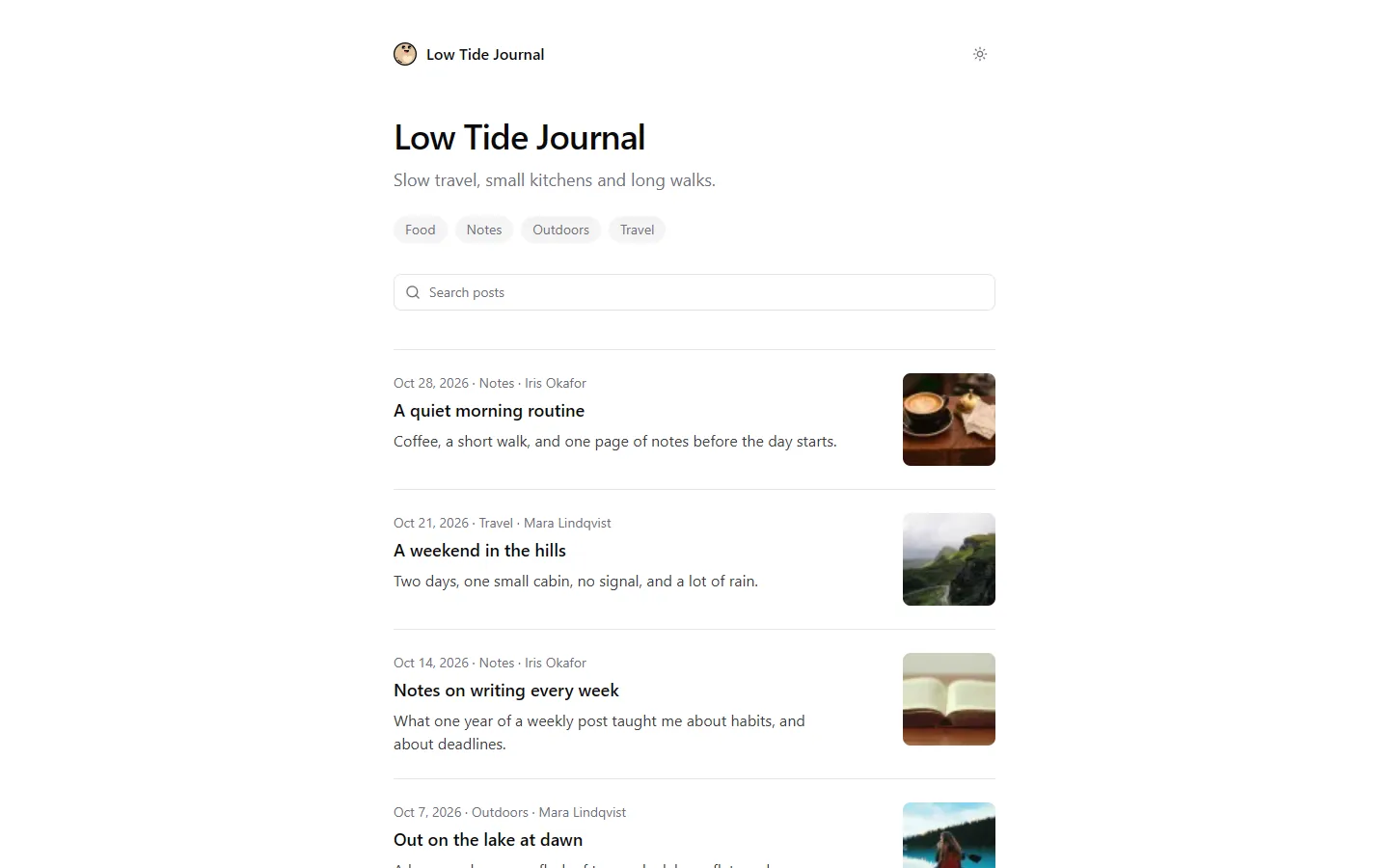
 Live demo
Blog (minimalist)
BlogPosts, search and a light and dark mode. No UI library: Tailwind CSS and a few components.
Git CMS Supabase
$
npm create pluto@latest my-blog -t blog Live demo Posts, search and a light and dark mode. No UI library: Tailwind CSS and a few components.
npm create pluto@latest my-blog -t blog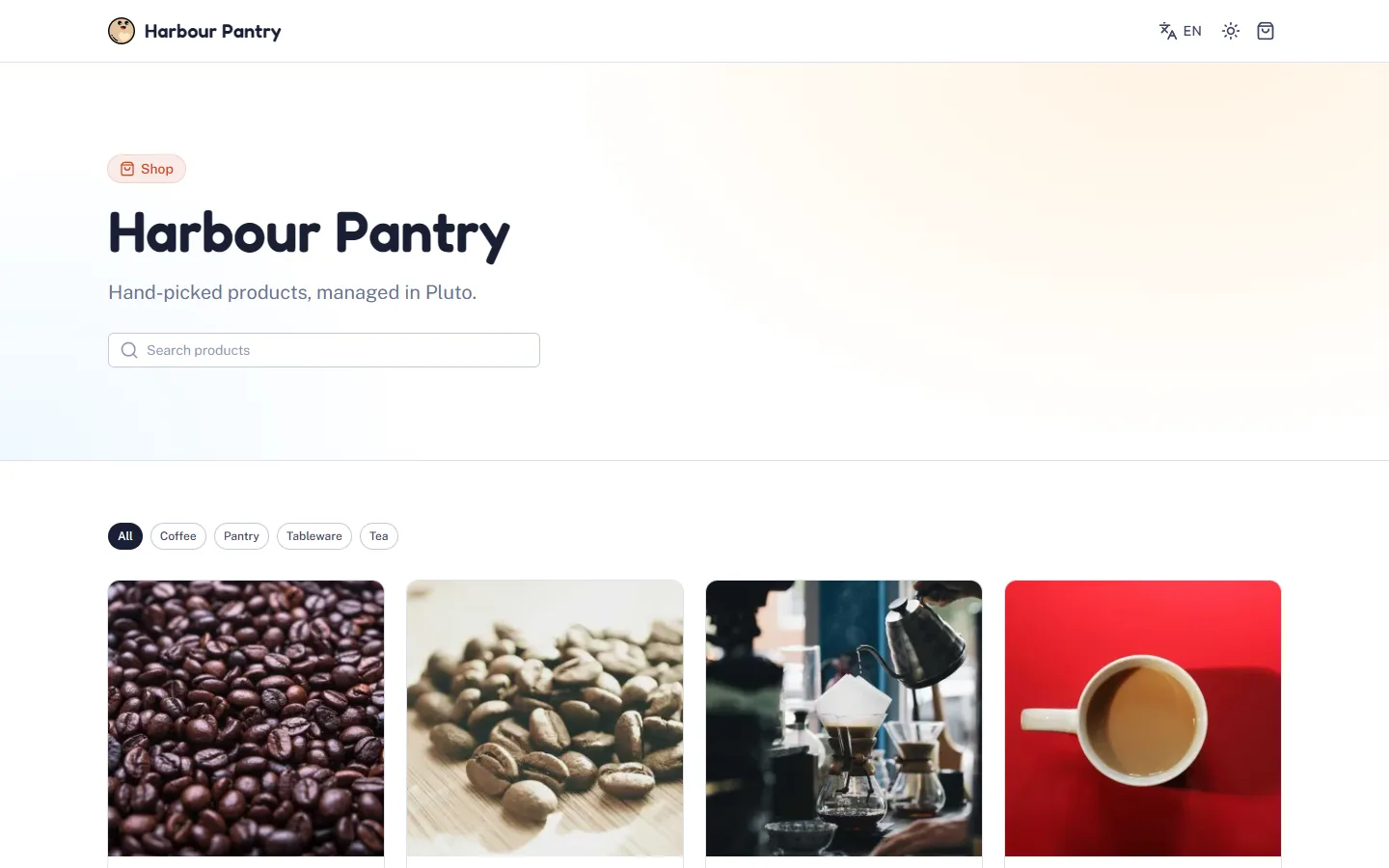 Live demo
A product catalog: photos, categories, stock, search and two languages, on Nuxt UI.
npm create pluto@latest my-shop -t supabase-shop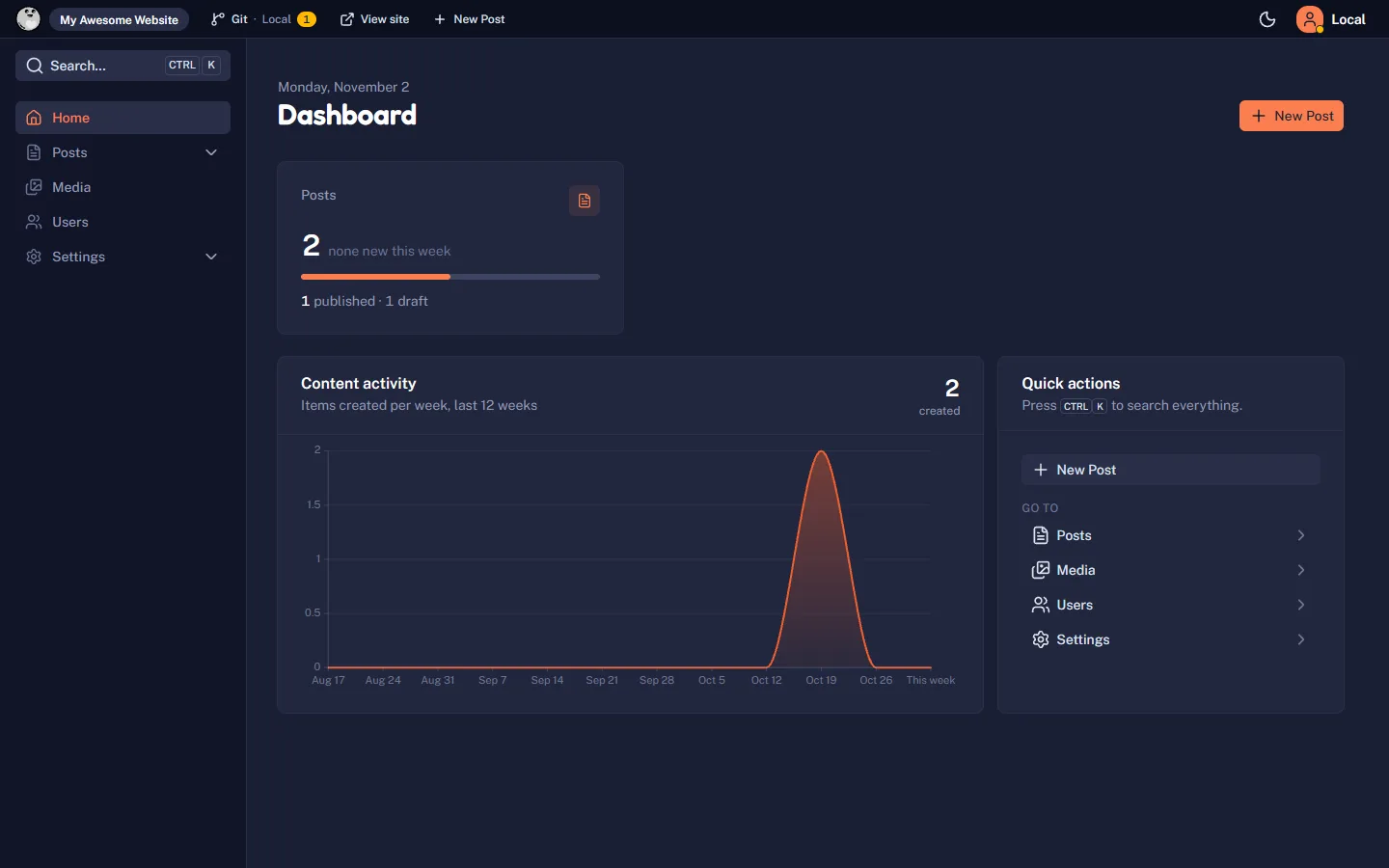
No public site: the Pluto admin and the public API, for a site in any stack.
npm create pluto@latest my-dashboard -t dashboardThe CLI only
No template: a Nuxt app that extends Pluto, with no pages of its own. A good start for a developer or an agent.
npm create pluto@latest my-app -t none1. Open the live demo
Each demo is a static copy of the template, with sample content. Click around before you choose.
2. Deploy it
A deploy button copies the template to a new repository in your GitHub account, and puts the site online.
3. Open the admin
Open /admin on your new site. With the Git CMS, Pluto creates the GitHub App for you. With Supabase, the host asks for the values of your project.