Start here
What is Pluto
Pluto is a CMS for the sites that you build with Nuxt. It works out of the box, and you add more only when you need it.
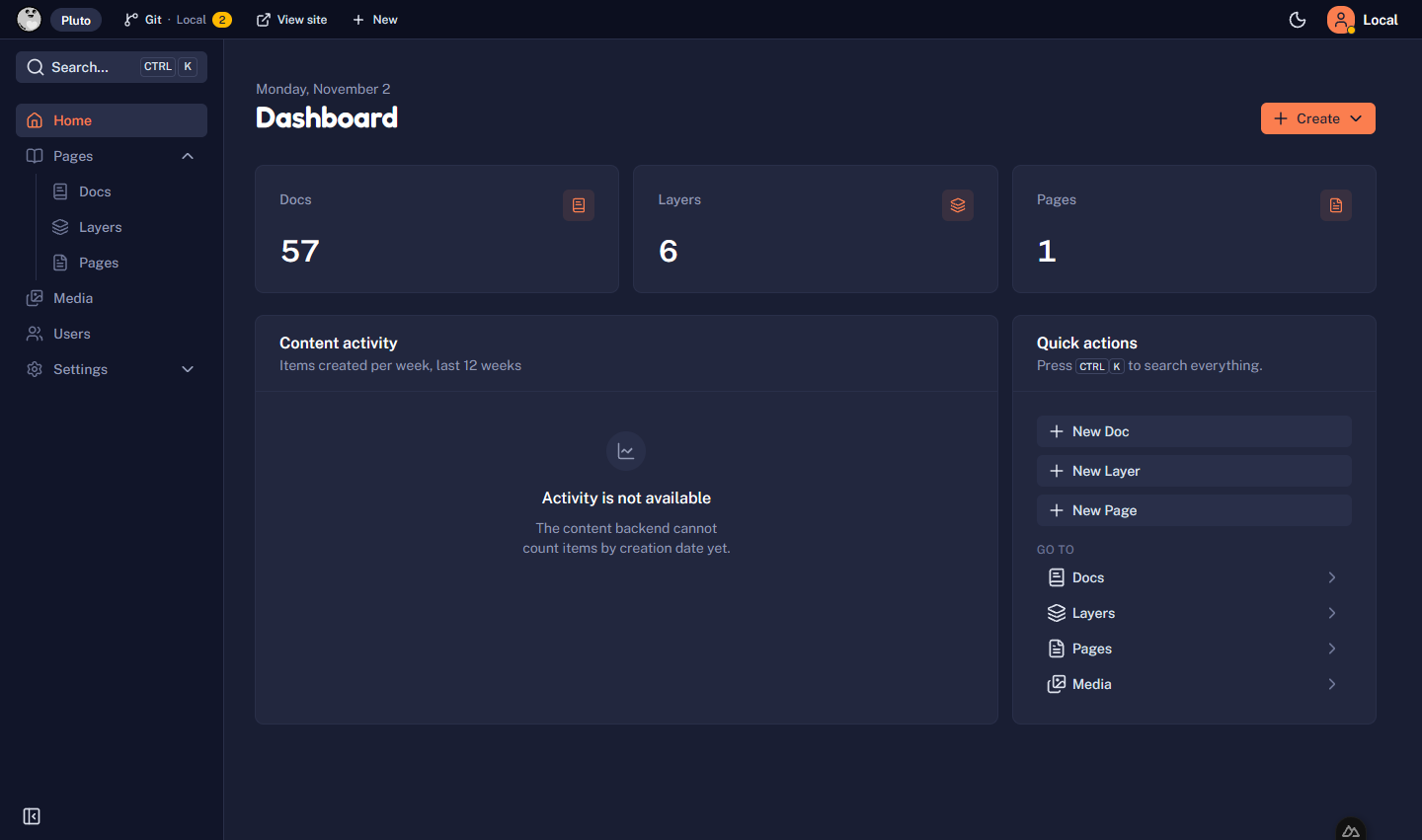
Pluto gives your Nuxt site an admin at /admin. Editors write posts, upload images, and publish. You keep full control of the site: its pages, its design, and its code.
Pluto is in alpha. Expect breaking changes, incomplete features, and rough edges.
It works out of the box
One command makes a blog with an admin. You need no account, no database, and no settings:
- Your posts are Markdown files in your project, and each save is a Git commit.
- On your machine, you are signed in at once.
- On a live site, editors sign in with GitHub. Pluto creates the GitHub App for you.
The Quickstart takes five minutes.
Add more when you need it
Each extra part of Pluto is a layer that you add to your app. You do not need any of them to start.
- A database. The Supabase layer adds Postgres, email sign-in, users, and roles. See Choose a backend.
- Features. A layer adds a feature, such as a shop. See Layers.
- Your own features. Add content types, admin pages, and dashboard widgets in your app or in your own layer. See Extend Pluto.
- Any stack. A site in another framework reads the content through the Public API. See Use Pluto headless.
How to read these docs
| Section | For |
|---|---|
| Start here | Your first site: create it, deploy it. |
| Build your site | The daily work: pages, styles, media, content types, permissions, mail, languages. |
| Git CMS, Supabase | The details of each backend. |
| Layers | How to use each official layer. |
| Extend Pluto | Optional. The admin from the inside: write your own layers and admin pages. |
| Reference | Every option of the CLI and the content model. |